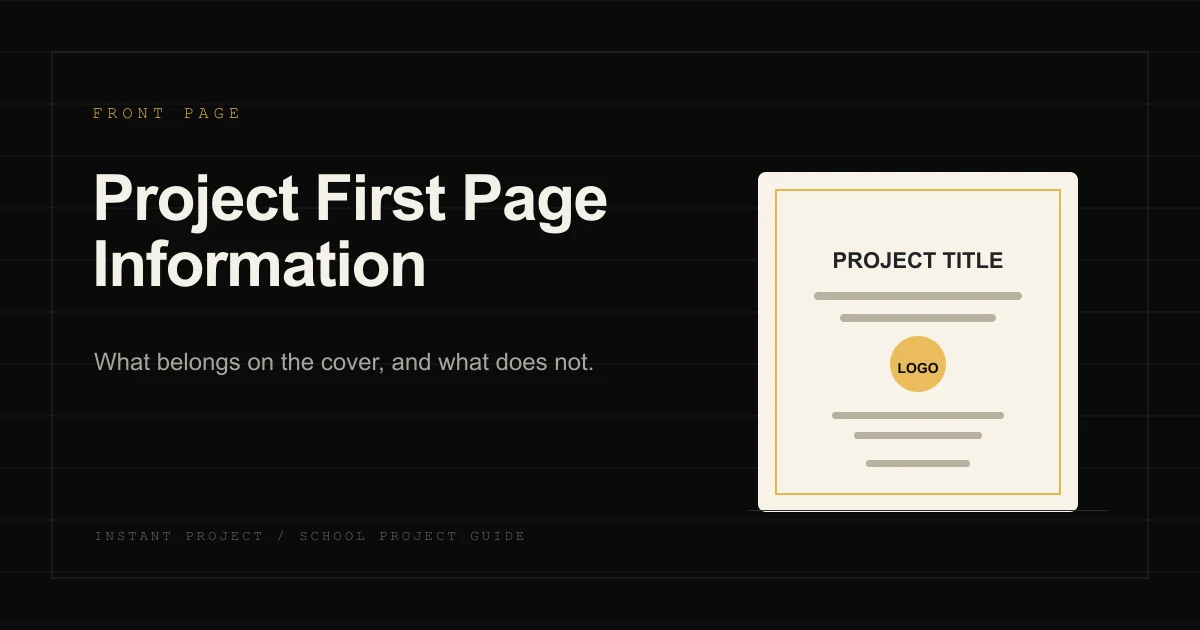
Project first page information tells the reader what the file is, who made it and where it was submitted. It is not a decoration page. A clean first page with the right details makes the file easy to identify and avoids the most common reason for marks being cut: missing student information.
Here is the short list of what belongs on the first page:
- School or college name
- School logo, if the school uses one
- Project title
- Subject
- Student name
- Class and section, or course and semester
- Roll number or admission number
- Teacher's name and designation
- Academic session or year
- Submission place and date, if required
The exact order can vary, but all of these details should appear.
Project first page information: the full list
The details below follow the order they usually appear on the cover.
School name and logo
Write the school name at the top, centred and in capitals. Use the official name, not a shortened version. If the school logo is available, place it above the name or between the name and the project title. Keep the logo small, usually 1 to 1.5 inches wide. A logo that fills half the page pushes the title down and makes the cover look unbalanced.
If the school has a fixed cover template, use its logo and header. Do not redraw the logo or use a low-resolution copy from a social media post.
Project title
The title is the largest text on the page. Centre it, use bold capitals, and keep it to two lines if possible. The title should match the topic approved by the teacher and the title used in the certificate and index.
A good title is specific. "Solar Water Purifier" is clear. "A Study of Water" is too broad. If the teacher approved a subtitle, put it on a second line in smaller text.
Subject and class
Below the title, add the subject and the class or course. Common formats:
SUBJECT: PHYSICS
CLASS: 10-B
or
Submitted in partial fulfilment of the requirement for B.Com Semester III
Use the same subject name as the report card or syllabus. "Computer" and "Computer Science" are not interchangeable if the school treats them as different subjects.
Student details
The first page needs enough information to identify the student without opening the file. This is the part of project first page information that students most often shorten:
- Full name as per the school register
- Class and section
- Roll number or admission number
- Board registration number, if the school asks for it
Write the name in the same form used in the certificate. If the certificate says "Riya Sharma", the first page should not say "R. Sharma". Consistency matters more than brevity.
Teacher details
Add the name and designation of the teacher who guided the project:
Under the guidance of
Mrs. Anjali Mehta
PGT Physics
If two teachers supervised the work, list both with their designations. Do not write "Under the guidance of the Principal" unless the principal actually guided the project.
Academic session and date
Add the session or academic year, for example 2026-27. Some schools also ask for the month and year of submission. Put the session under the school name or at the bottom of the page. Keep one date format across the file.
If the school does not ask for a date on the cover, leave it out. A wrong date on the first page is worse than no date.
A simple layout that works
Top to bottom:
- School name, centred, capitals
- School logo, centred
- Project title, centred, largest text
- Subject, centred
- "Submitted by" block with student name, class, roll number
- "Under the guidance of" block with teacher name and designation
- Academic session, centred at the bottom
Leave generous white space between blocks. A cover with four or five clean blocks looks better than a page filled with borders and clip art.
School and college differences
School first pages usually name the class, section and roll number and are addressed to the subject teacher. College first pages often name the department, course, semester and faculty guide. Some colleges require a specific line such as "A project report submitted in partial fulfilment of the requirements for the degree of..." Use the department's wording exactly.
If the college provides a cover template, do not add extra fields. The template is usually tied to the evaluation sheet.
Common mistakes
- The project title differs from the certificate.
- The student's name is spelled differently on the cover and certificate.
- The roll number is missing.
- The teacher's designation is wrong.
- The logo is stretched or pixelated.
- The page has no margins, so the printer cuts off the title.
- The session is missing or written in two different formats.
Check the first page against the certificate before printing. The two pages should agree on the title, student name, class and session.
Design rules that help
Use one font family for the whole page. Times New Roman is safe for school files. Keep the title bold and the supporting text regular. Limit colours to one accent colour, or print in black and white. If you add a border, leave at least 0.5 inches between the border and the text.
Do not use a photo as the background. It reduces readability and uses a lot of printer ink. A simple geometric border or a thin line under the school name is enough.
For layout examples, see the front page design guide. If you need the page after the cover, the certificate guide explains the wording and signatures.
The free project generator fills the first page with the school, student and teacher details you enter, so the same names appear on the cover, certificate and index. You can download the file and adjust the layout before printing.